Soft Procreate Brush for Hand Lettering: A Practical Evaluation
Digital calligraphy and hand lettering have transformed the way artists approach typography, offering flexibility that traditional ink and paper cannot match. At the center of this digital shift is the brush tool itself. The Soft Procreate Brush for Hand Lettering represents a specific category of digital assets designed to replicate the organic feel of analog writing while leveraging the advantages of software. For artists, designers, and hobbyists evaluating tools for their iPad workflow, understanding the nuances of this brush type is essential for making an informed decision.
Understanding the Tool and Its Purpose
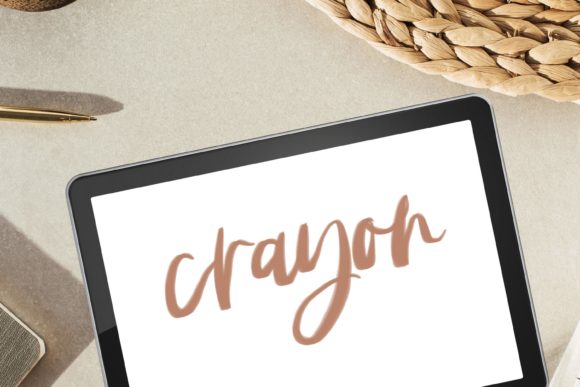
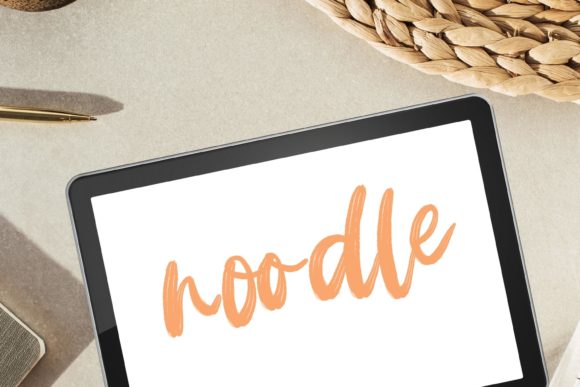
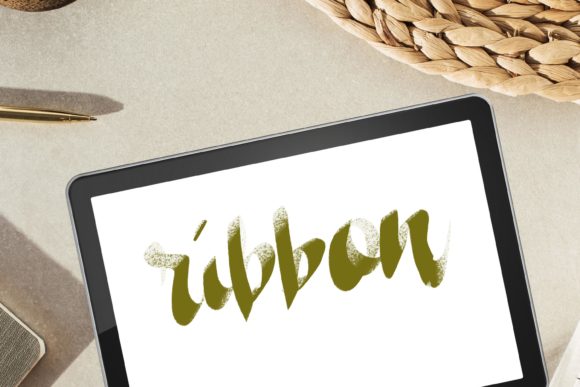
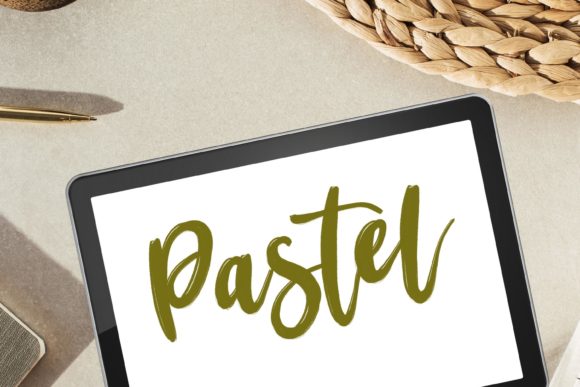
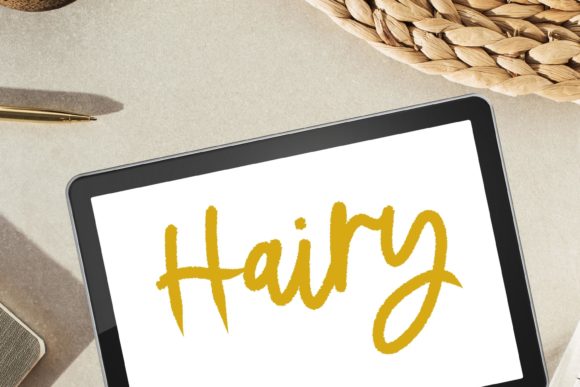
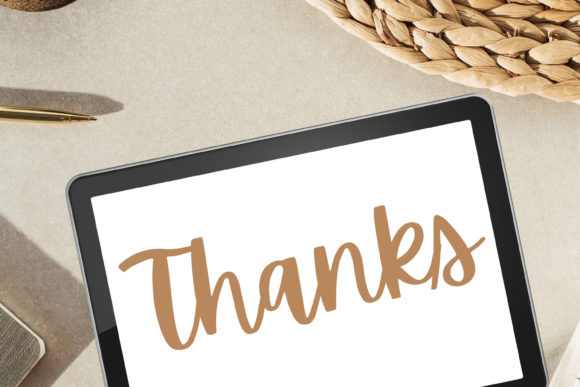
The Soft Procreate Brush for Hand Lettering is a digital brush preset engineered specifically for the Procreate application on iPad. Unlike standard round brushes that produce uniform lines, this tool is calibrated to respond dynamically to pressure and tilt, creating a smooth writing texture that mimics the behavior of flexible nibs or soft-tip markers. It is often categorized alongside tools for painting and textured lettering, bridging the gap between precise calligraphy and expressive digital illustration.
This brush is not a physical product. It is a digital file available for instant download, which must be imported directly into Procreate on an iPad. Users should note that compatibility is strictly limited to the Procreate ecosystem; it will not function in other illustration apps or on desktop computers without specific emulation setups. The primary value proposition lies in its ability to provide a "smooth texture" that reduces the friction often felt with default digital brushes, allowing for more natural wrist movement and fluid stroke creation.
Why Artists Choose Soft Brushes for Lettering
When selecting a brush for modern calligraphy or hand lettering, artists typically prioritize control and aesthetic authenticity. The Procreate Calligraphy Brush with Smooth Writing Texture addresses several common pain points in digital lettering:
- Natural Flow: The soft edge and pressure sensitivity allow for gradual transitions between thick and thin strokes, a hallmark of traditional brush calligraphy.
- Reduced Digital Harshness: Standard digital brushes can appear too sharp or vector-like. This brush introduces a subtle softness that integrates better with textured backgrounds or watercolor-style paintings.
- Versatility: While optimized for lettering, the brush’s characteristics make it suitable for light painting tasks, such as adding soft shadows, highlights, or organic elements to a composition.
For those interested in modern lettering or textured lettering, this tool offers a middle ground. It provides enough structure for legible text while retaining the artistic imperfections that give hand-drawn work its charm.
Benefits and Practical Advantages
Integrating a specialized brush like this into your workflow can streamline the creative process. One significant benefit is the reduction in post-processing time. Because the brush inherently produces a smooth, aesthetically pleasing line, artists may spend less time refining edges or adding artificial textures manually. This is particularly valuable for commercial projects where efficiency is key.
Furthermore, the Soft Procreate Brush for Hand Lettering and Painting encourages experimentation. The low barrier to entry—simply downloading and importing the file—allows users to test different styles without investing in physical supplies. For beginners, this lowers the cost of learning calligraphy. For experienced illustrators, it expands their toolkit with a reliable option for quick sketches or finalized pieces requiring a soft, approachable aesthetic.
Ideal Use Cases
This brush is a strong fit for specific scenarios:
- Social Media Content Creation: The clean yet organic look works well for quotes, greetings, and promotional graphics where readability and visual appeal are balanced.
- Digital Planners and Journals: Users creating digital planners often seek fonts and brushes that mimic handwriting without looking overly mechanical. This brush fits that niche effectively.
- Hybrid Illustrations: Projects that combine typography with watercolor or soft pastel elements benefit from a brush that shares similar textural qualities with the surrounding artwork.
Tradeoffs and Considerations
While the benefits are clear, it is important to approach this tool with realistic expectations. No digital brush can fully replicate the tactile feedback of physical paper and ink. Artists transitioning from traditional media may find the lack of resistance on the iPad screen challenging initially, regardless of the brush settings. Adjusting to the glass surface requires practice and, potentially, the use of a matte screen protector to simulate paper texture.
Additionally, the term "soft" implies a specific aesthetic. If your goal is crisp, geometric, or high-contrast typography, this brush may not be the optimal choice. It excels in organic, flowing styles but may lack the precision required for technical lettering or rigid architectural sketches. Users seeking sharp, vector-like results might prefer monoline brushes or dedicated font creation tools.
Another consideration is the learning curve associated with Procreate itself. While the brush is designed to be user-friendly, mastering pressure sensitivity and gesture controls takes time. Beginners should be prepared to invest hours in practice to achieve consistent stroke weight and spacing.
Evaluating Fit: Is This Brush Right for You?
To determine if the Soft Procreate Brush for Hand Lettering aligns with your goals, consider your current skill level and project requirements. If you are already comfortable with Procreate and seek to enhance your lettering with a more natural, hand-written feel, this brush is a logical addition. It is particularly useful for those who enjoy classic Procreate workflows but want to elevate their typographic elements.
However, if you are new to digital art, you might first explore Procreate’s default library to understand basic pressure dynamics before introducing third-party brushes. Understanding the foundational mechanics will help you utilize specialized tools more effectively. Similarly, if your work primarily involves graphic design with strict brand guidelines requiring uniform typography, a custom font or vector-based solution might be more appropriate than a raster-based brush.
Technical Requirements and Support
Prospective users must ensure they meet the technical prerequisites. The product is a digital download, meaning no physical item will be shipped. It requires an iPad capable of running Procreate and an Apple Pencil or compatible stylus for optimal pressure sensitivity. Using a finger or a non-pressure-sensitive stylus will significantly limit the brush’s functionality, negating its primary advantage of dynamic stroke variation.
Installation is straightforward: download the file directly onto your iPad and open it with Procreate. The brush set should appear automatically in your brush library. Should you encounter issues during installation or usage, support is available. The creator emphasizes customer assistance, noting that users should not hesitate to reach out if problems arise. This level of support can be reassuring for those unfamiliar with importing digital assets.
Conclusion
The Soft Procreate Brush for Hand Lettering offers a compelling solution for artists seeking to blend the elegance of calligraphy with the convenience of digital media. Its smooth texture and versatility make it a valuable asset for modern lettering, painting, and digital illustration. By weighing the benefits against the limitations of digital surfaces and specific aesthetic needs, users can make an informed decision. For those committed to the Procreate ecosystem and interested in organic, hand-crafted typography, this brush provides a practical and effective tool to enhance their creative output.